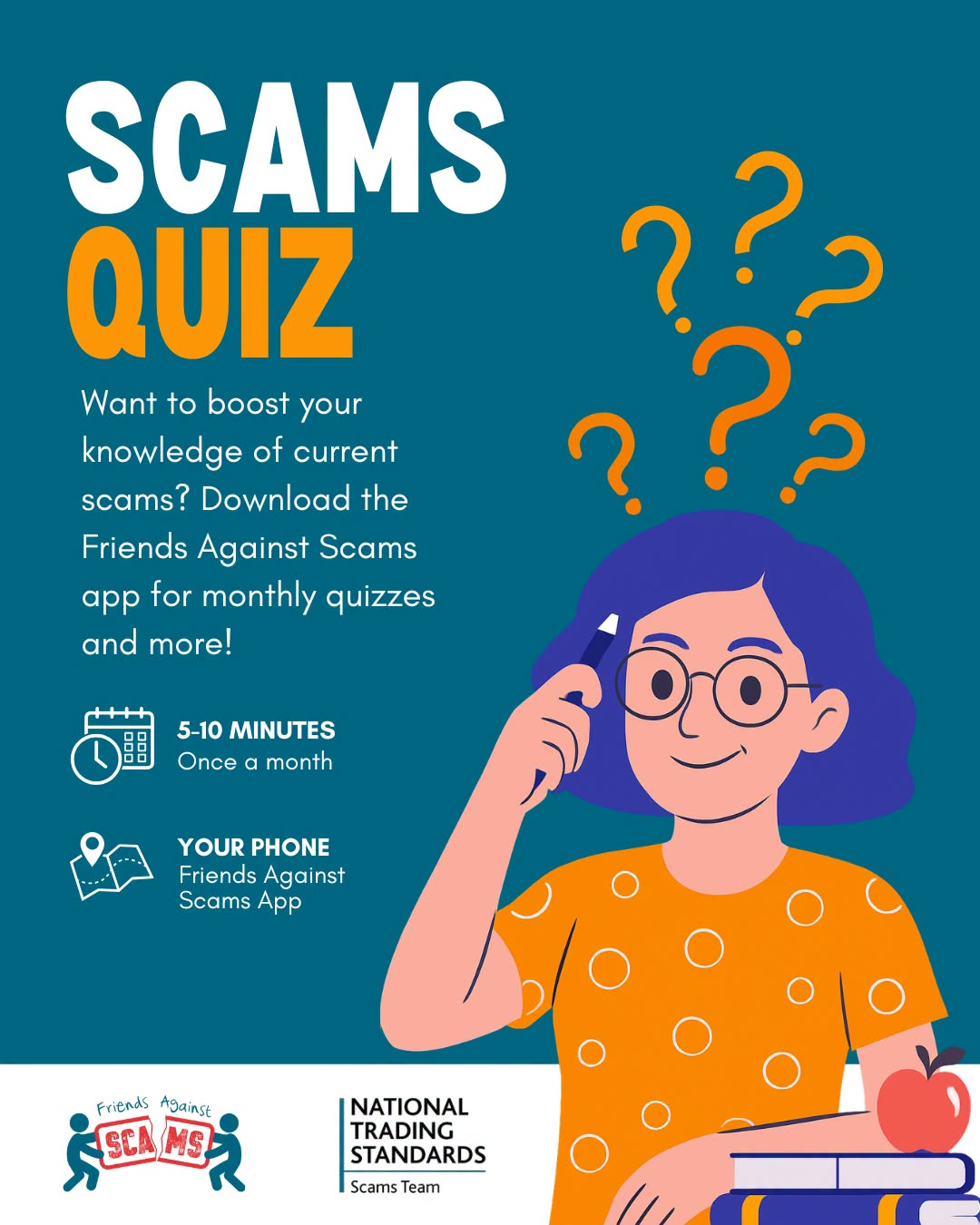
Fraudsters are always finding news ways to catch people out, but the Friends Against Scams App can help you stay informed.
Take the quick monthly Scams Quiz to test your knowledge, boost your awareness and learn how to spot the warning signs. It takes just 5-10 minutes to complete.
Download the Friends Against Scams App from the App Store or Google Play and see how scam-aware your are!
Suffolk Against Fraud is warning residents to remain vigilant following reports of a sophisticated postal fraud involving counterfeit letters purporting to be from their bank. Victims receive a professionally produced letter, claiming that an unauthorised transaction has been detected on their account. The letter states a fraud investigation is underway, allegedly involving the National Crime Agency (NCA), and advises that banking facilities are restricted whilst enquiries are carried out.
The letter may:
• Claim a fraudulent transaction has occurred.
• State that bank cards have been blocked and should be returned.
• Refer to investigations involving law enforcement agencies.
• Provide the details of a supposed fraud adviser.
• Instruct the recipient not to discuss the matter with third parties.
• Suggest further contact will be made regarding the investigation.
Protect Yourself – Criminals rely on creating a sense of urgency, fear and authority to gain a victim’s trust.
Remember:
• Your bank, the police, the NCA or any other law enforcement agency will never ask you to
transfer money to a “safe account”.
• They will never ask you to disclose your PIN, online banking credentials or security codes.
• They will never ask you to hand over or post your bank cards to them.
• They will never ask you to keep a fraud investigation secret from family, friends or bank staff.
• Always independently verify any communication by contacting your bank using a trusted
number from the back of your bank card or the bank’s official website.
If you have any concerns email Suffolk Against Fraud
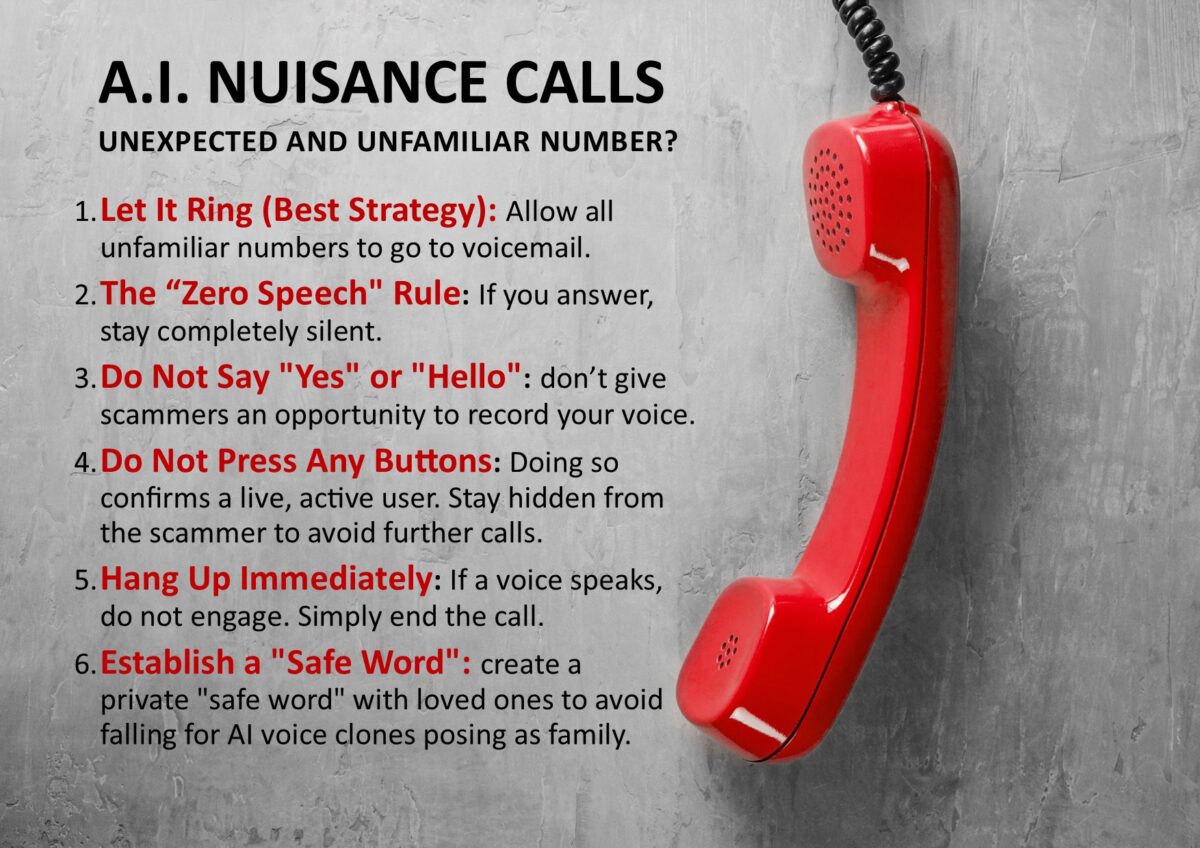
Criminals are using AI technology to clone people’s voices and set up unauthorised direct debits over the phone, according to new evidence from National Trading Standards.
If you answer an AI nuisance call, do not speak, say nothing, and hang up immediately. Speaking confirms your number is active, leading to more calls, while AI can analyse your voice for cloning scams. Let unknown numbers go to voicemail, enable spam filters, and register with the TPS.
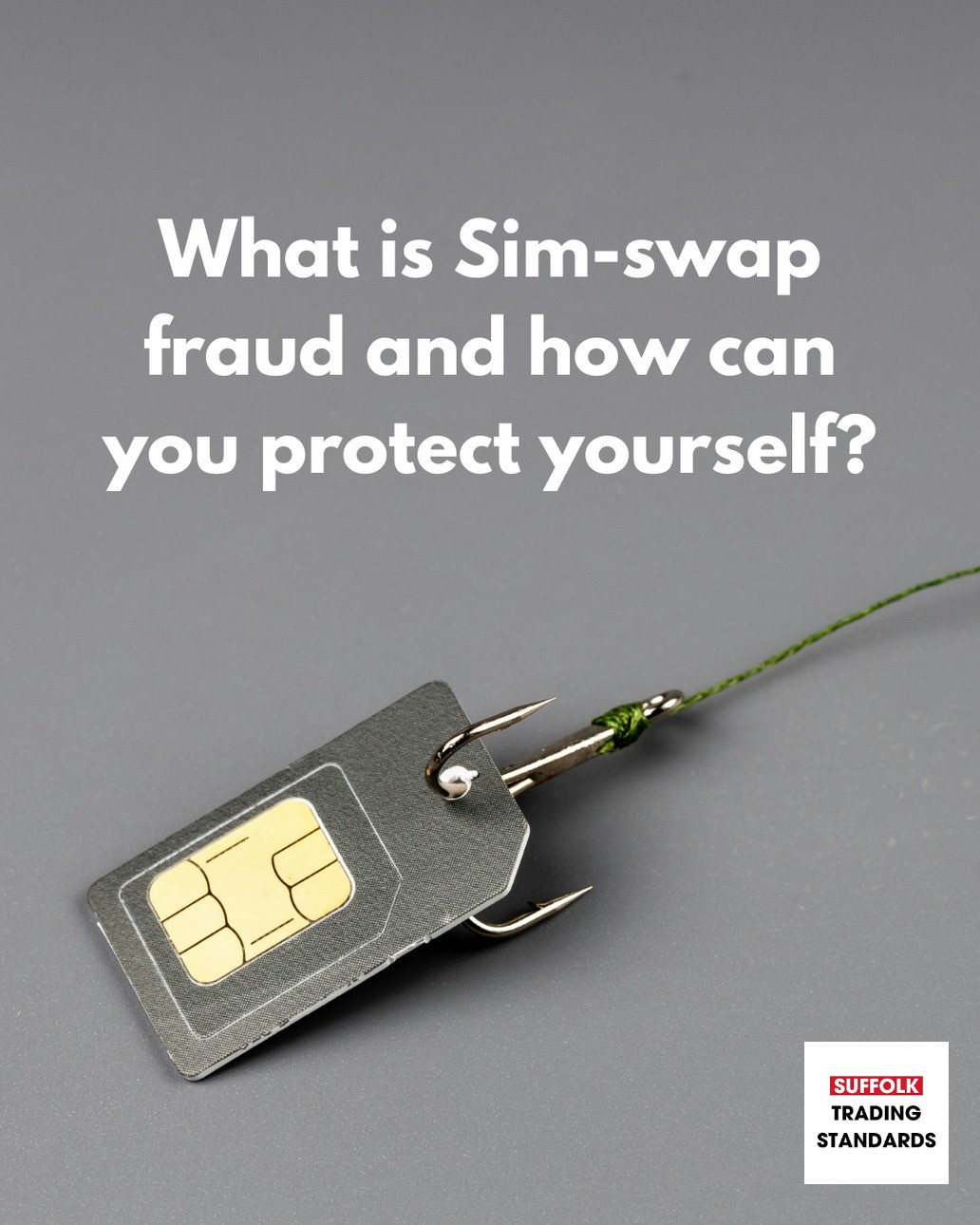
SIM swapping is where a fraudster gains control of your mobile phone number by transferring the service to a SIM in their possession. They will gather personal details about you and this can be from phishing emails, viewing your social media posts, social engineering and more. Once they have sufficient information they will pretend to be you by using the information they have gained to pass the security checks that your provider may request. They will ask them to route your phone number to their own SIM which will give them access to any incoming calls and text messages, including one-time-passwords, so that they can gain access to your financial and social media accounts.
If you think your SIM card has been swapped, or if you receive any texts or emails regarding a PAC request or your SIM being ported, contact your network provider straight away. Ask them to secure your mobile account and find out what future protection is available. Inform your banks as soon as a matter of urgency to prevent fraudsters attempting to make and unauthorised transactions from your account with a money transfer online or over the phone.
Suffolk Trading Standards advise avoiding oversharing your personal details on social media such as your birth date and common password recovery phrases like the name of your pet or school. Setting up a Two Step Verification (2SV) can help to protect you against being scammed. Report all scams to Suffolk Trading Standards on 0808 223 1133
Action Fraud have teamed up with SignVideo to create a ‘Fraud Reporting Service’ which is accessible for British Sign Language users. You can download the FREE Sign Video app on the Sign Video website, click on the Sign Directory and search for ‘Action Fraud’, to connect to a BSL interpreter.
If you are receiving nuisance calls or texts that you don’t want from cold callers or recorded automated messages relating to PPI or accidents etc, Citizens Advice has advice about actions you can take to stop them. For example, registering with the Telephone Preference Service (TPS), blocking calls or reporting them to the Information Commissioner’s Office. Follow the links for more information.
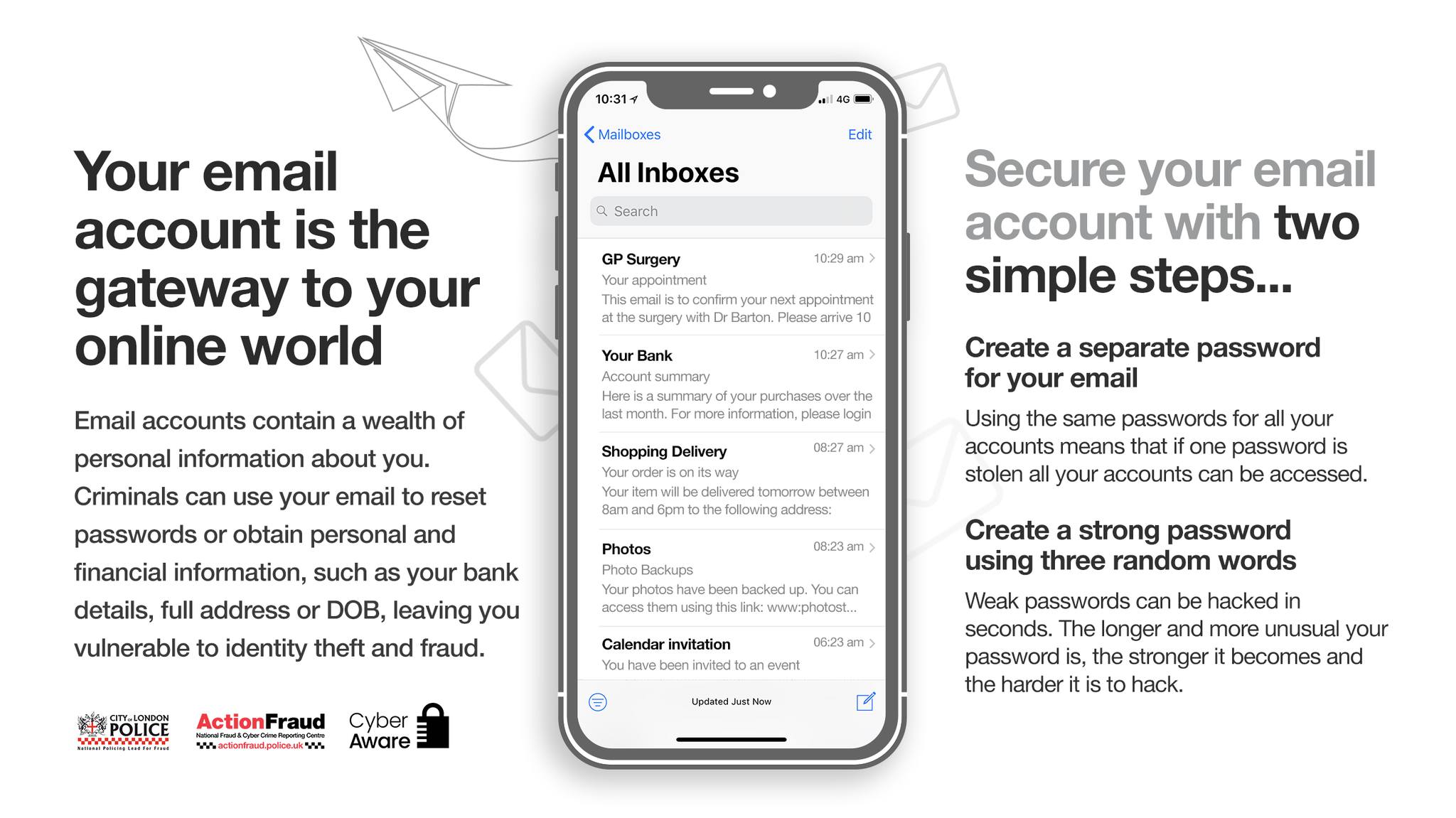
Your email account is a gateway to your online activity and a source of information that criminals can use for identity fraud. To stay safe you can use a simple 2 step verification security. To find out more information on how to set up the 2 step process, visit the Cyber Aware website
The Little Book of Big Scams from the Metropolitan Police is full of valuable tips to help protect yourself and your loved ones from scams and has helpful advice on what to do if you are caught out by a scammer. Follow the links to read or download the PDF version. More advice on protecting yourself against fraud can be found on the Scam Advice pages at Suffolk Constabulary’s website.
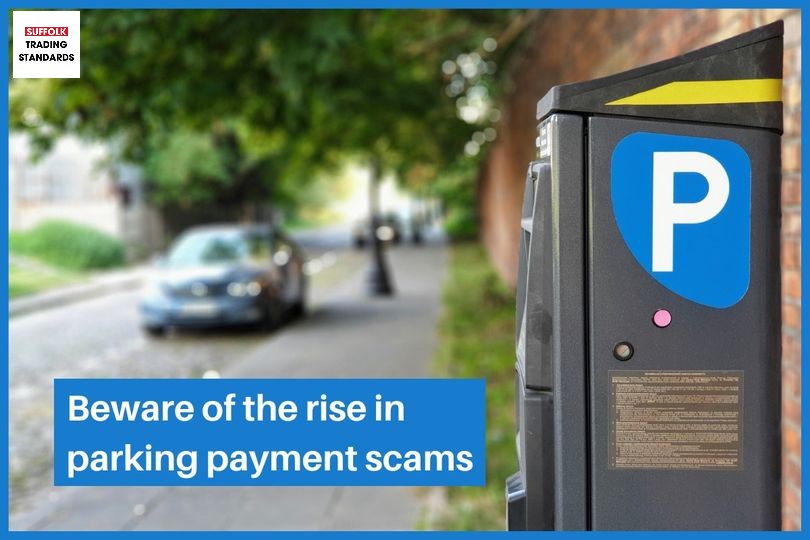
A warning from Suffolk Trading Standards for everyone to be aware of a new QR code scam that aims to trick you into scanning a fake QR code with your phone or device. Once scanned, it will take you to a fraudulent website designed to obtain your personal and financial information.
QR codes can be found in many places including parking machines, charging points, emails and more. Once scanned, you may unknowingly input all your details to pay for a service when in fact you’re providing scammers with the opportunity to access your hard-earned money.
Suffolk Trading Standards have issued the following advice to help you avoid being caught out:
▪️ If the QR code is on a poster in a public area, always check whether it appears to have been stuck over the original. If the sign or notice is laminated and the QR code is under the lamination or part of the original print, it’s more likely to be genuine.
▪️ If in doubt, download the app from the official Google or Apple store, or search the website on your phone’s browser rather than scanning a QR code. It may take longer, but it’s more secure.
▪️ Check the preview of the QR code’s URL to see if it appears legitimate. Make sure the website uses HTTPS rather than HTTP, doesn’t have obvious misspellings, and has a trusted domain.
▪️ Trust your instincts — if something doesn’t seem right, don’t share your details.
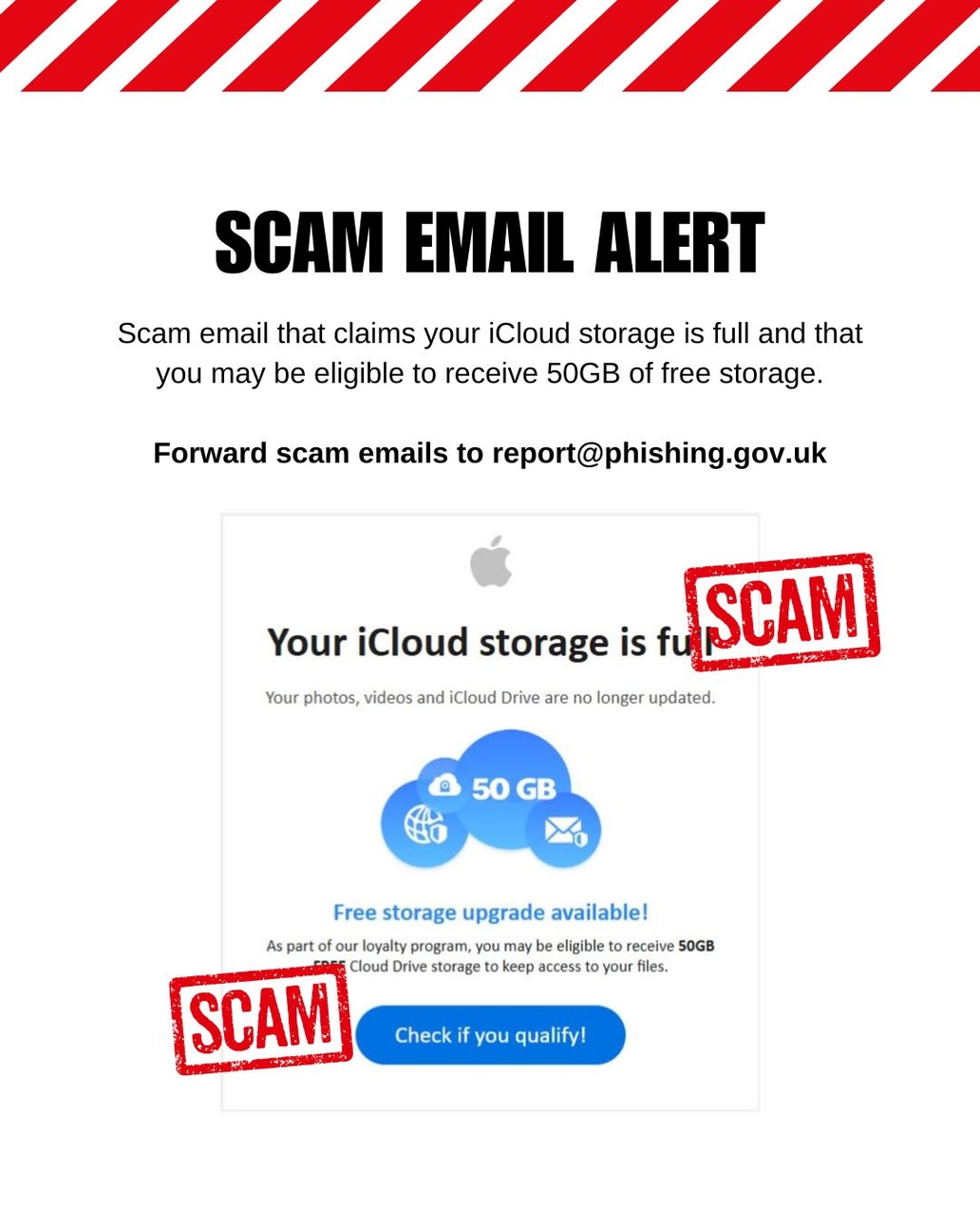
Beware of emails which appear to be from Apple claiming that your iCloud storage is full. These are sent via phishing websites that are designed to steal your Apple ID login details as well as personal and financial information. Tap on the sender’s address and it will reveal that it is not from an official Apple email address.
Report scam emails to report@phishing.gov.uk and suspicious websites to the National Cyber Security Centre.
If you have been a victim of a phishing email and have had money taken or your personal information compromised, notify your bank immediately and report it to Action Fraud.
Online scams are increasing and becoming more sophisticated. As part of the Citizens Advice Scam Action Service, there is now advice available online to help you spot scans and stay protected. Alternatively you can call them Monday – Friday, 9am – 5pm on 0300 330 3003 Find out more https://citizensadvice.org.uk/ScamsAction/
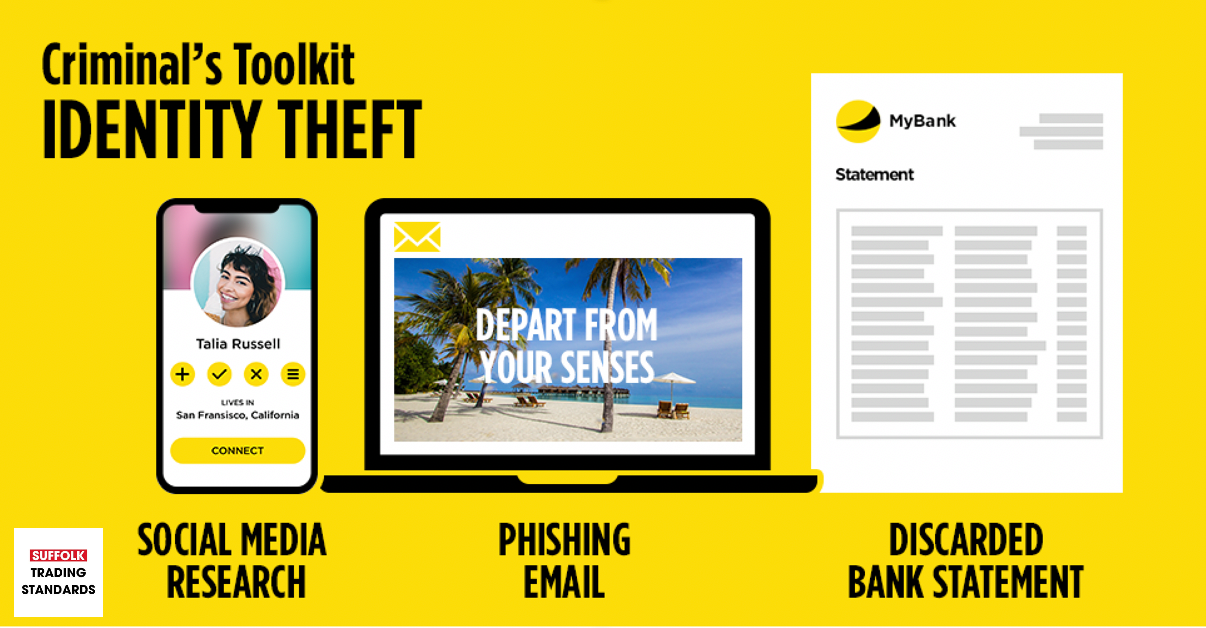
Take Five to Stop Fraud is a national campaign that empowers individuals and businesses across the UK to protect themselves against financial fraud. One aspect asks everyone to be more aware of the personal information that they throw away or give out to others to prevent becoming a victim of Identity Theft. Criminals will gather information about you over time until they know enough about you to use it to steal your identity and apply for credit cards, loans, driving licence or passport in your name. Please #TakeFive to think before discarding documents such as old bank statements and be careful of the personal information that you share on social media.
Follow these 3 steps to protect yourself:
1 Destroy unwanted documents including bills, bank statements or post in your name, preferably by using a shredder.
2 Request copies of your personal credit report from a credit reference agency on a regular basis to check for any entries you don’t recognise.
3 Provide as little personal information about yourself on social media as possible and only accept invitations from people you know.
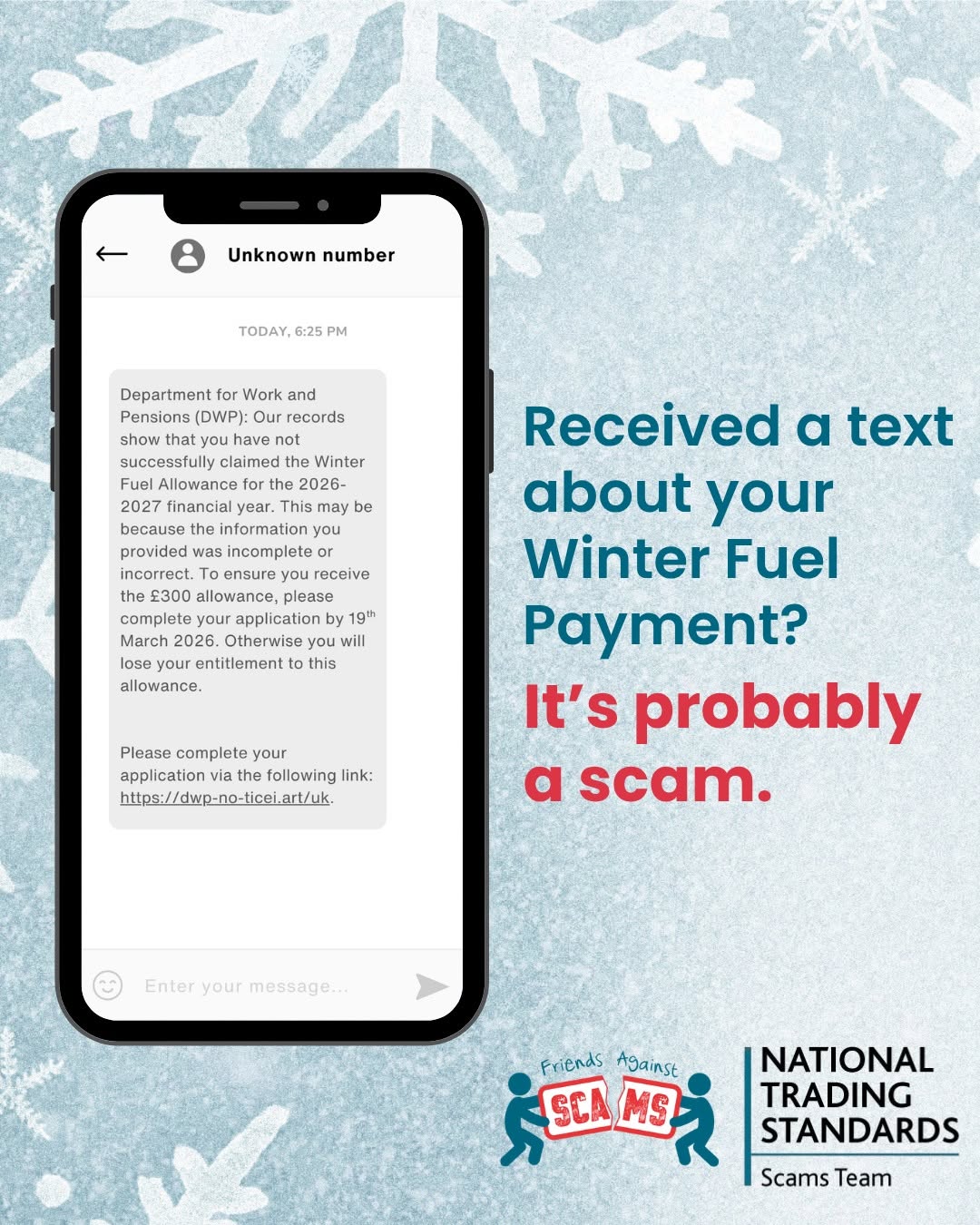
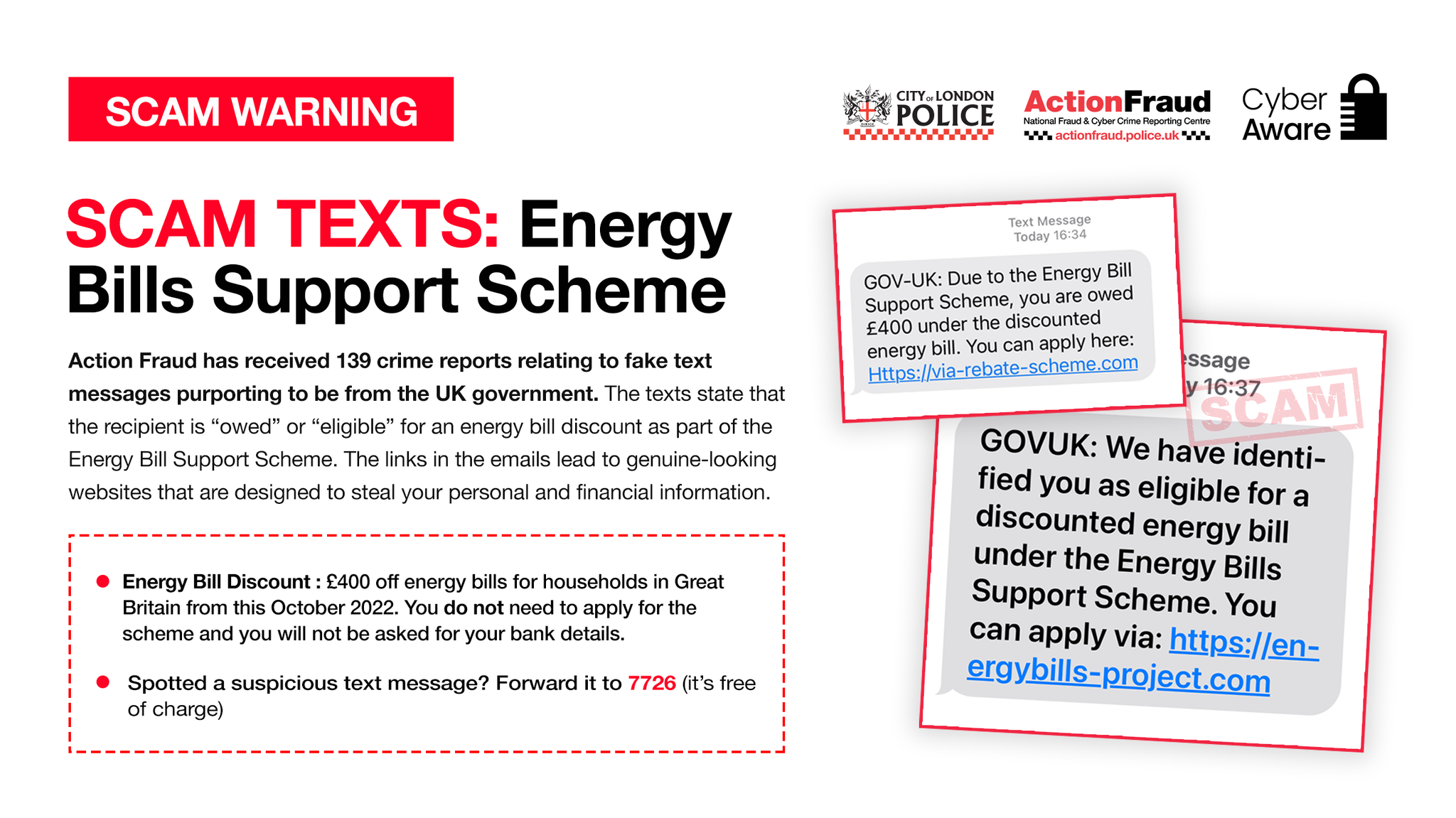
Action Fraud have advised they have received reports relating to fake text messages regarding the Energy Bills Support Scheme. You DO NOT need to apply for the scheme, and Never provide any bank or finaicial information. Forward any texts you you receive for free to 7726 and for more information, please visit: https://www.gov.uk/…/getting-the-energy-bills-support
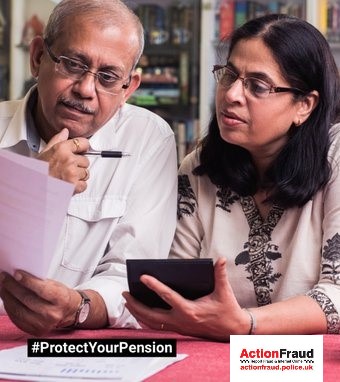
Pension scams can be hard to spot. Scammers can be articulate and financially knowledgeable, with credible-looking websites, testimonials and materials that are hard to distinguish from the real thing. Pension scams will often include free pension reviews and “too good to be true” investments and even early release money from your pension. More advice about Pension Scams and how to protect yourself at ReportFraud.police.uk.
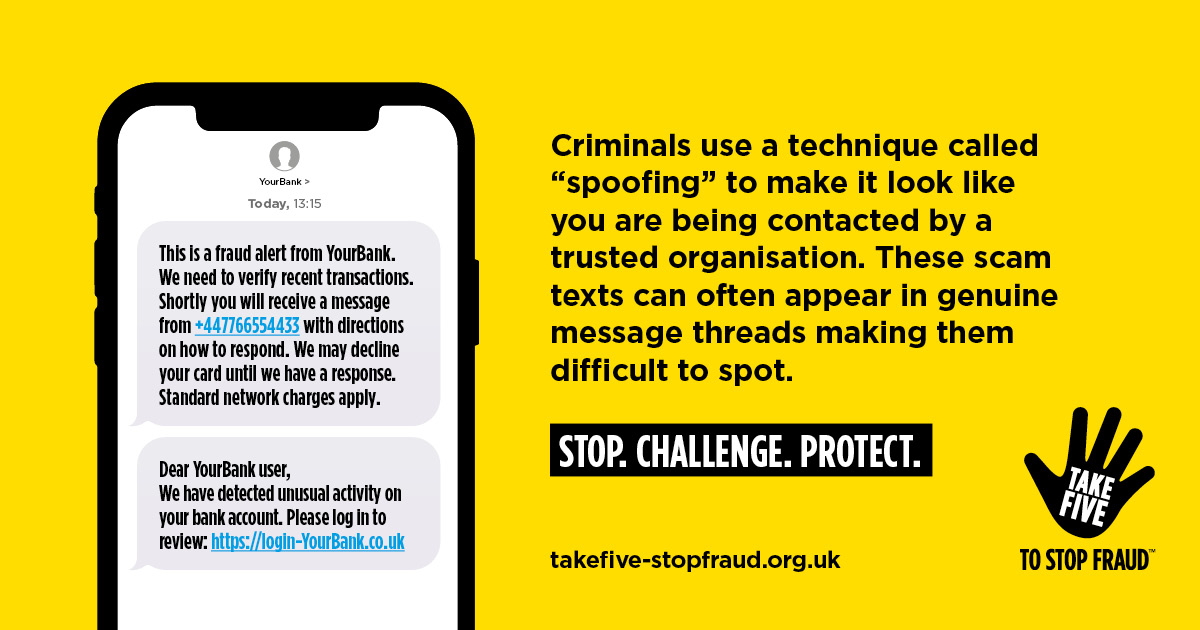
Can you spot the difference? A Genuine request or a scam? Criminals posing as your bank (‘Spoofing’) can trick you into updating your personal details through links provided in text messages. They can be embedded into genuine message threads making it increasingly difficult to spot. Stop, think and #TakeFive – log into your account directly to update your personal information. If you are worried you may have fallen for a scam, contact your bank straight away, and report it to Action Fraud by forwarding any scam texts to 7726 or by calling 0808 223 1133. Find out more about common types of scams and how you can protect yourself at #TakeFive, and try their ‘Scamsceptible?’ tool to understand how susceptible you might be fraud on any given day.
The Rural Coffee Caravan
Office 1
Church Farm Yard
The Causeway
Walsham le Willows
IP31 3AB
Subscribe to Rural Coffee Caravan Newsletters to receive regular news and updates from across our networks, direct to your inbox.